Free VTuber Models
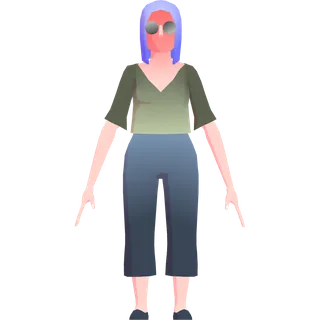
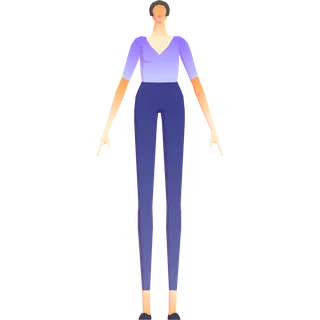
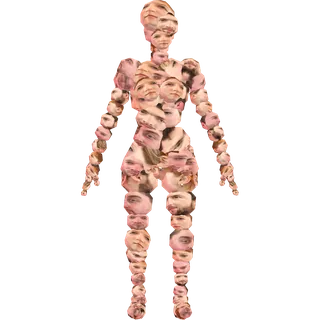
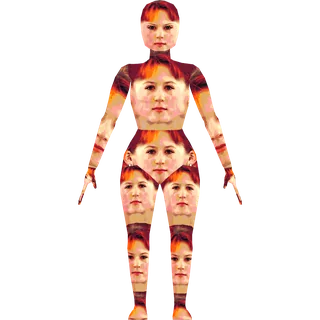
Ready-made 3D VTuber models you can download and use right away. Four photorealistic avatars of ours, as both VRM and GLB, and below them300 stylized ones in the public domain. Load them into VSeeFace, Warudo, 3tene, or another app that reads VRM 0.x.
Want an avatar that looks like you?
Upload one selfie and the VTubeMe VTuber model maker builds a photorealistic VRM that resembles you. Create and preview for free — pay $7.99 only when you download. Weighing the options first? Read how to make a VTuber model — selfie, VRoid or commission, compared.
Make my avatar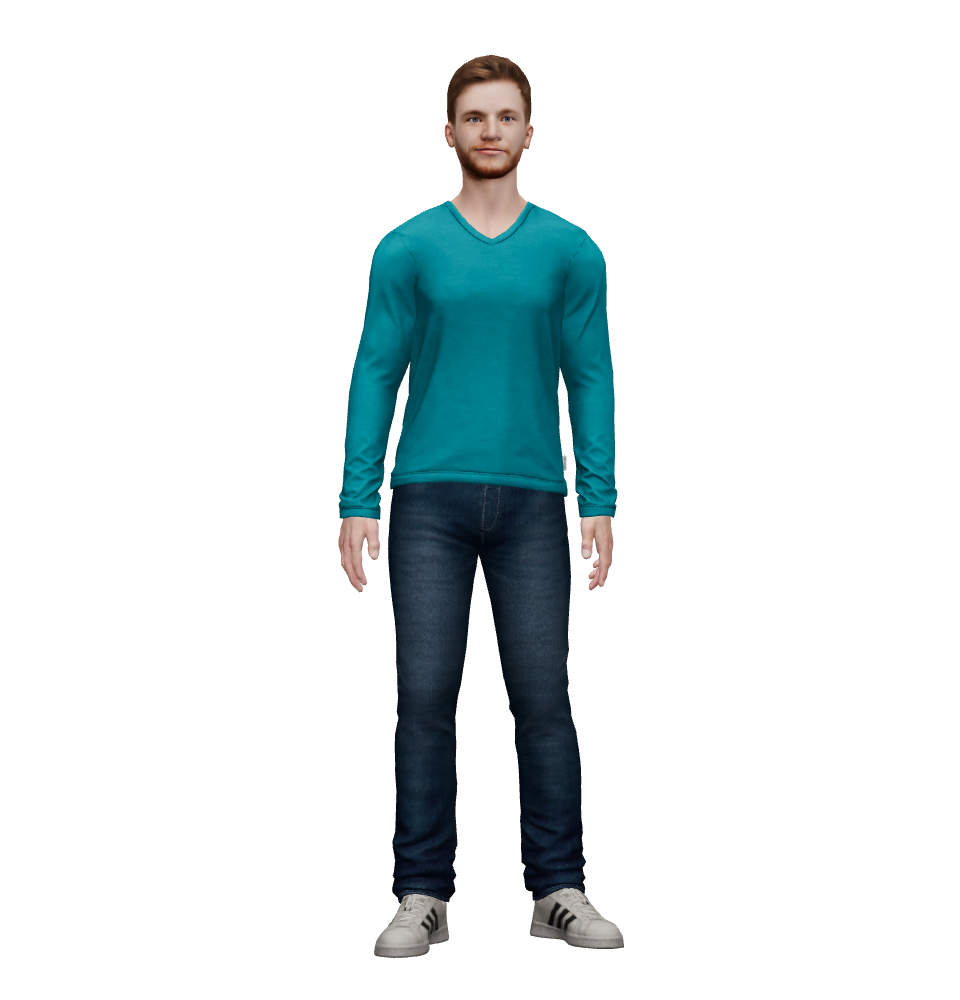
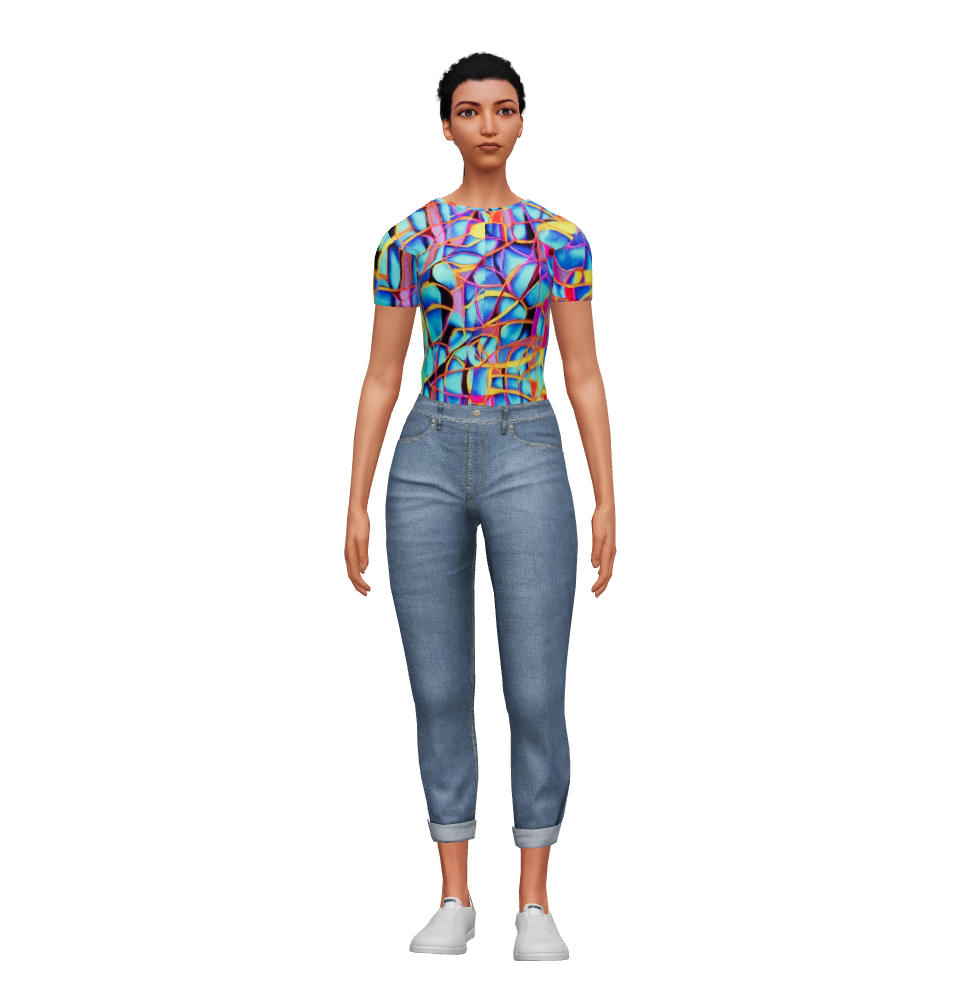
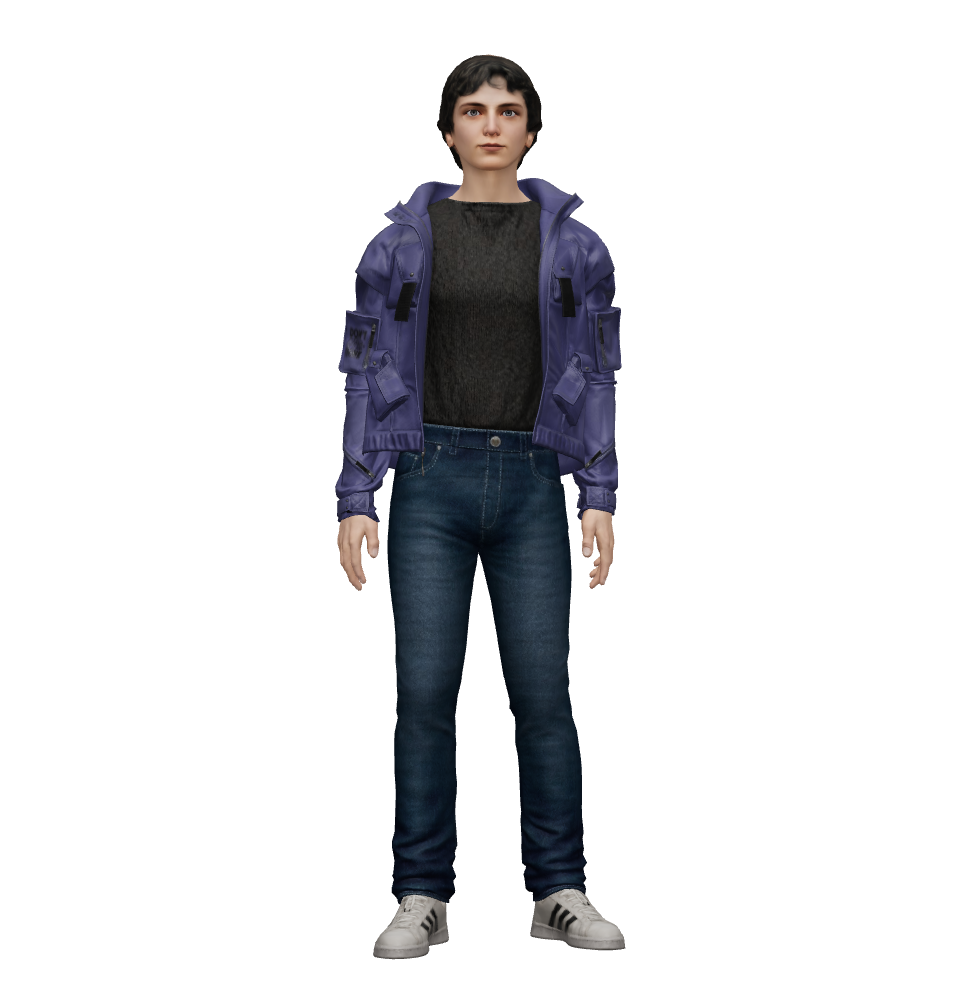
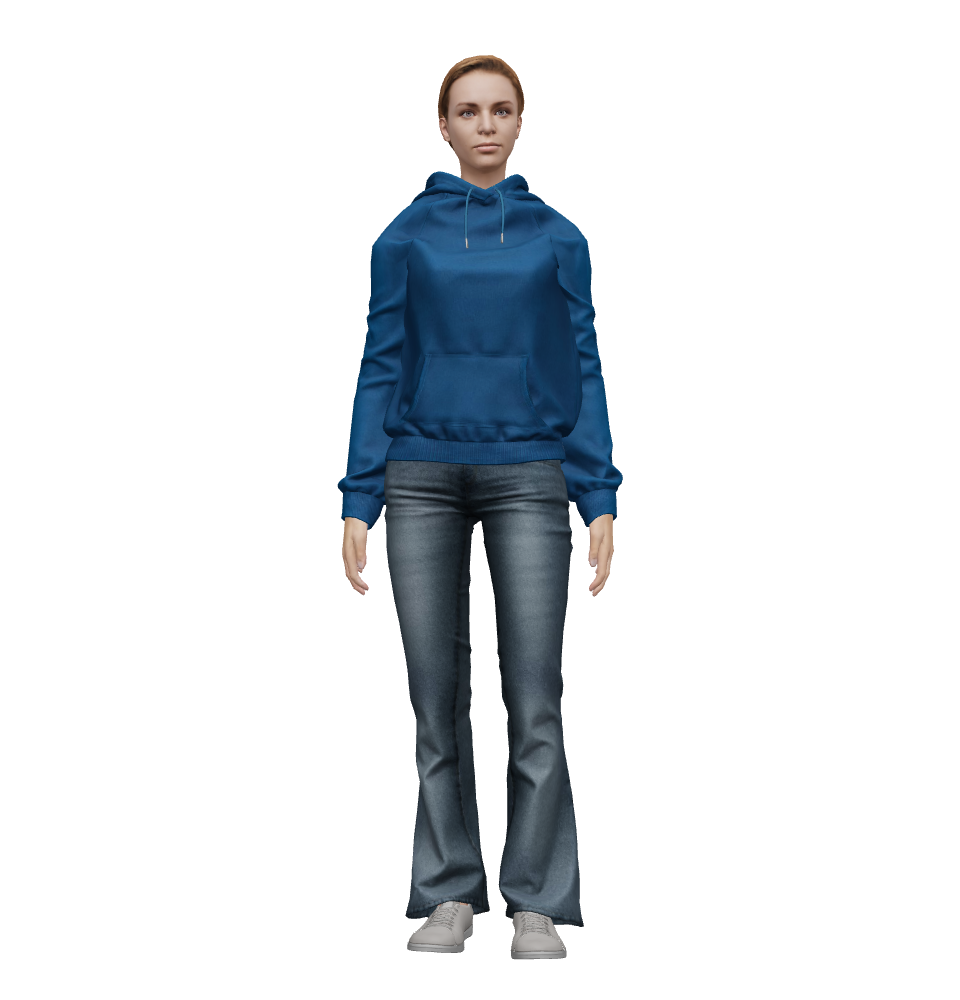
Licensed CC BY 4.0 — free for personal and commercial use, including VTubing and streaming. Credit VTubeMe with a link back to vtubeme.com; you may modify and redistribute.
300 more free VRM avatars — public domain
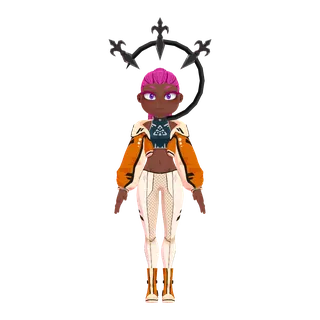
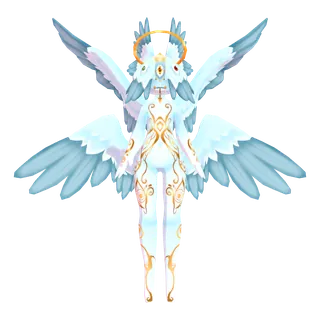
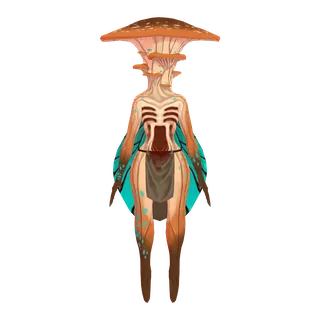
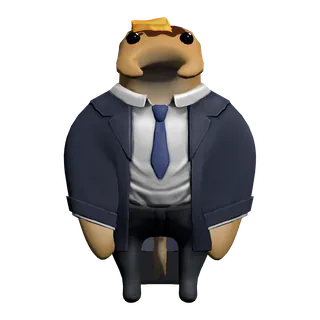
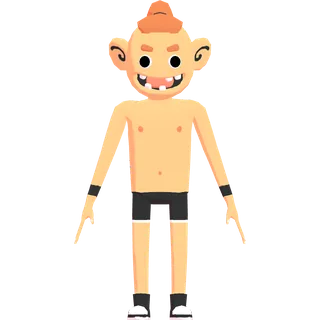
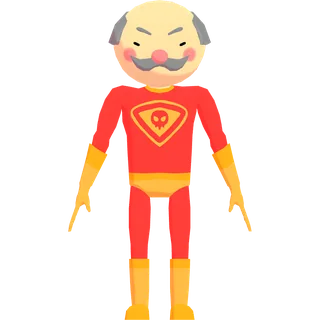
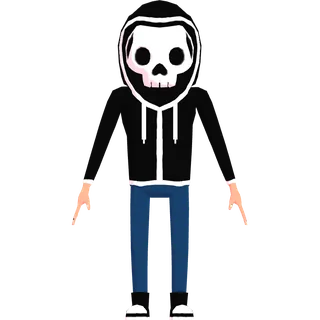
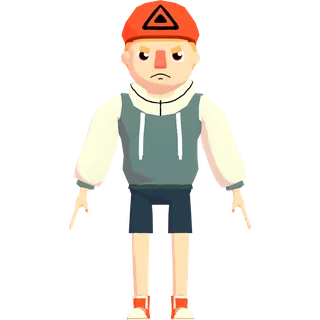
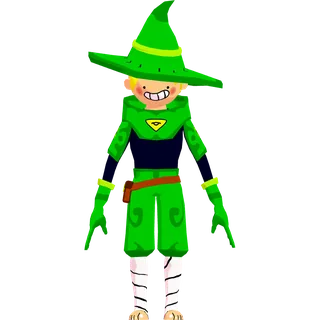
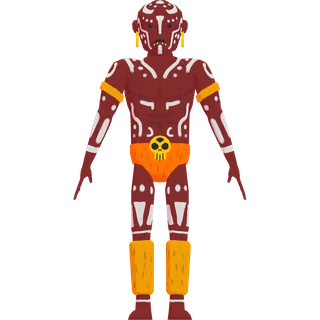
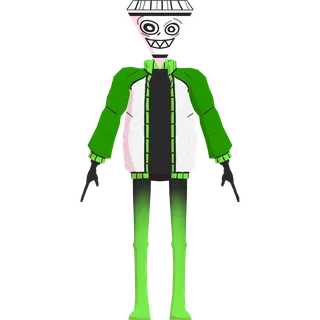
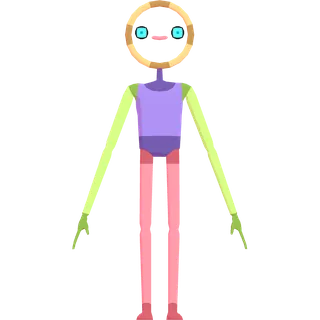
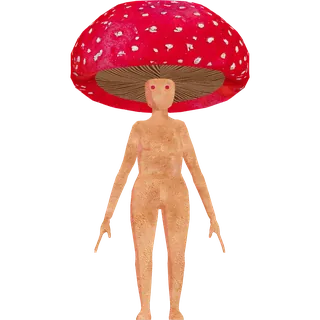
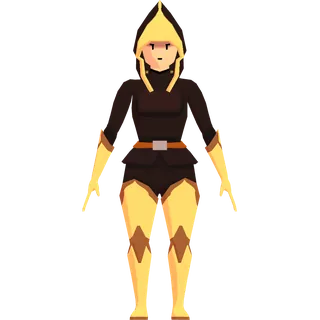
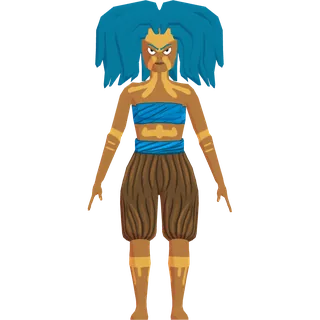
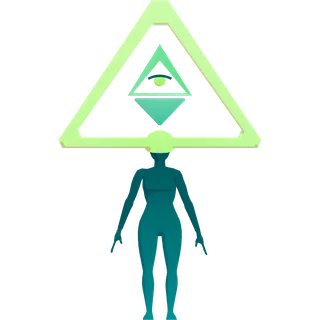
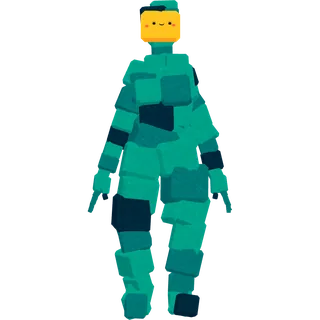
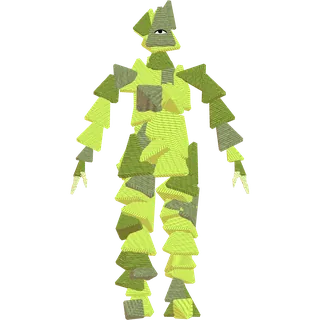
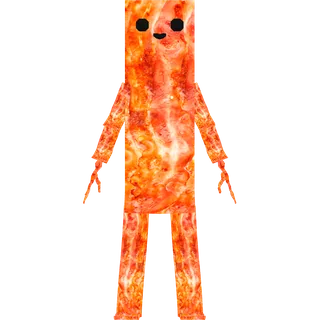
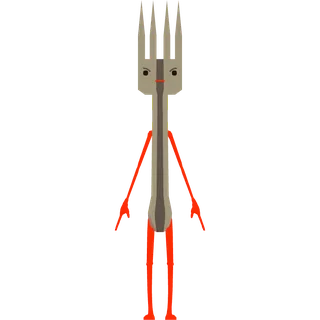
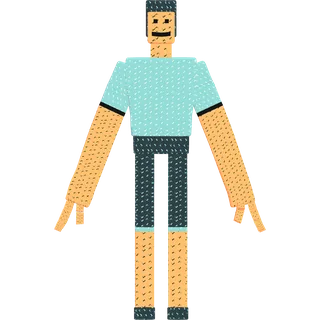
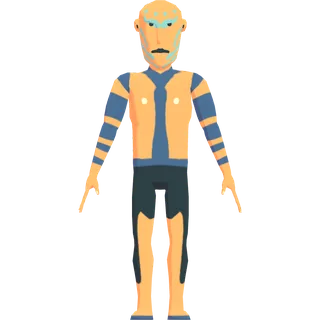
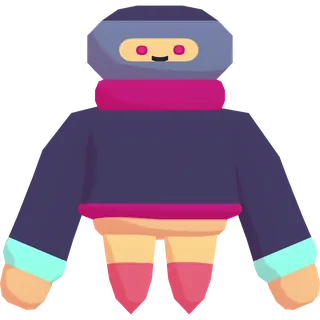
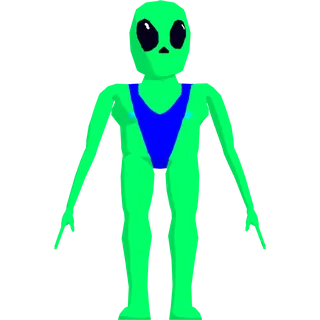
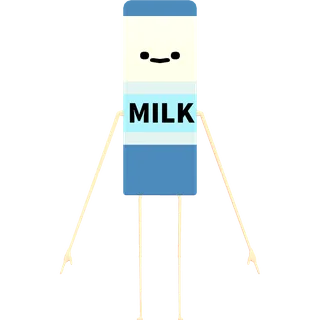
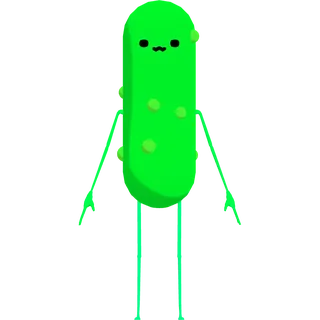
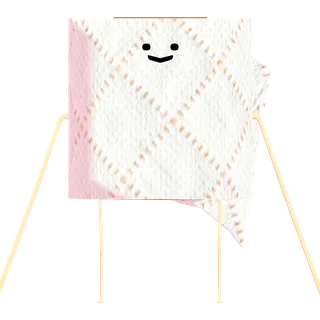
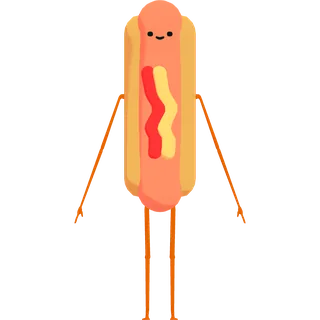
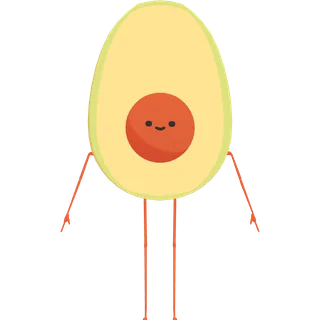
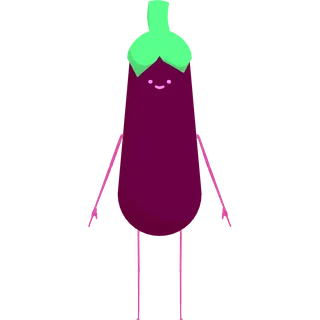
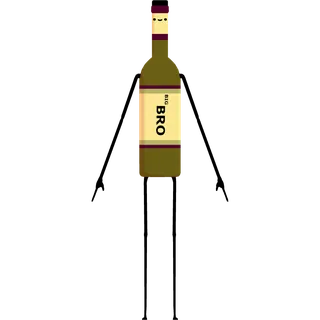
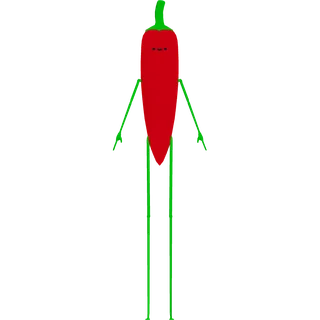
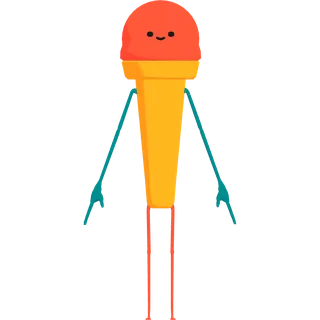
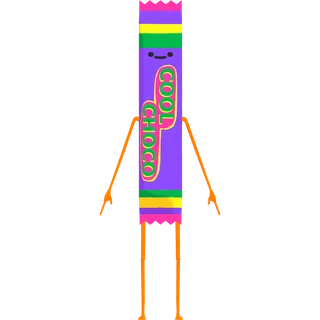
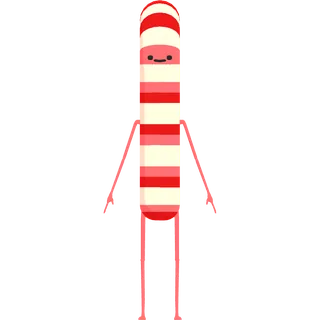
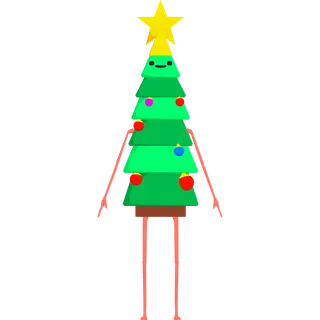
Three rounds of the “100 Avatars” series by Polygonal Mind, released under CC0, which permits commercial use, modification and redistribution without attribution. They are stylized characters — creatures, robots, food, people — standard VRM 0.x, most under 10 MB. Their faces differ by round, and each page says what its own file can do: blink, lip sync, emotions — or none of them.
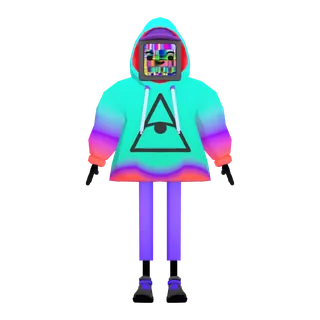
100 Avatars (Round 3) · 100 avatars
Lip sync and emotion expressions on all 100, blink on 94 — the most expressive round.
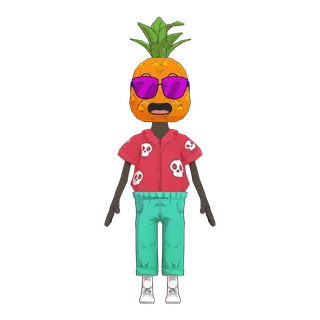
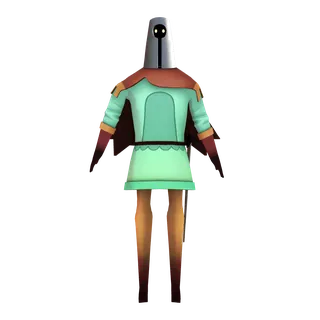
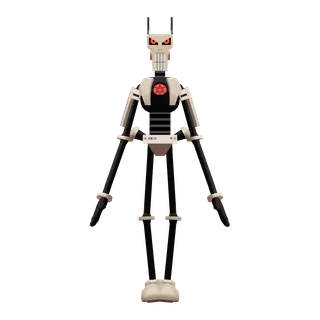
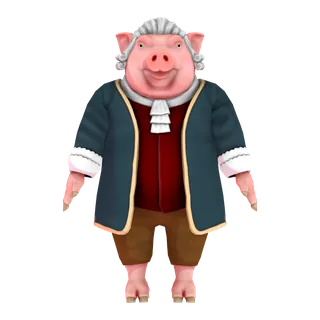
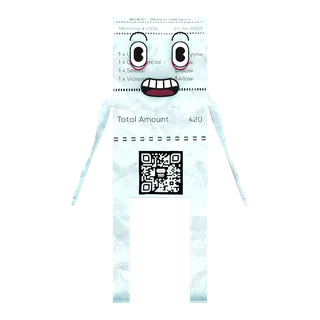
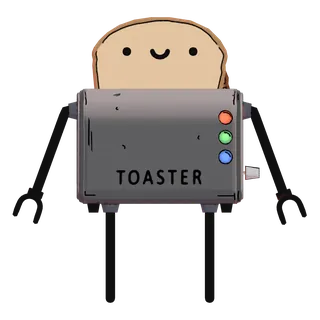
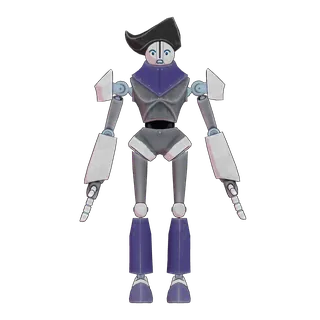
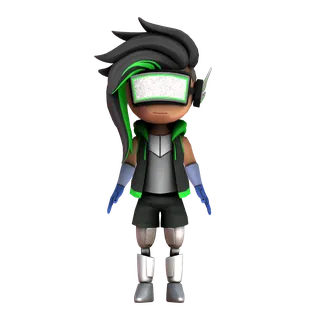
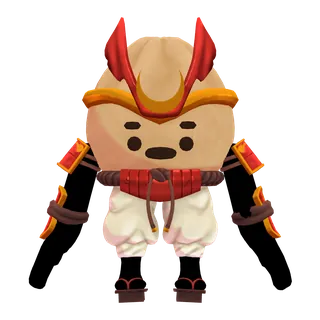
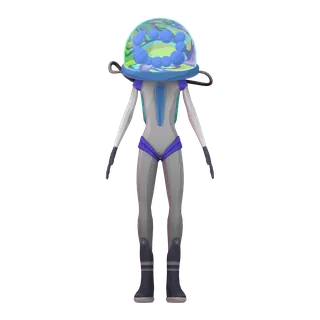
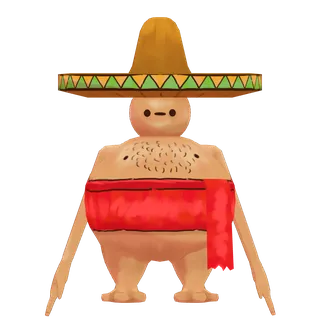
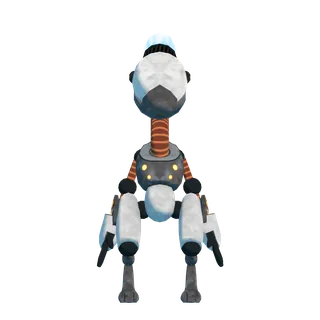
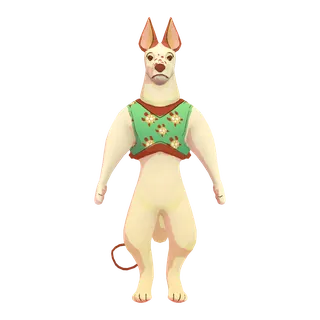

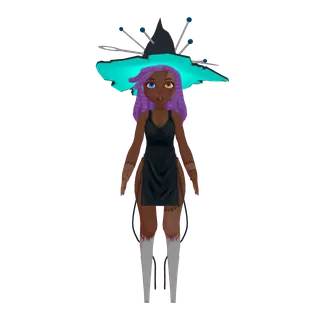
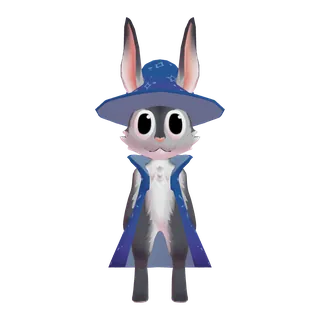
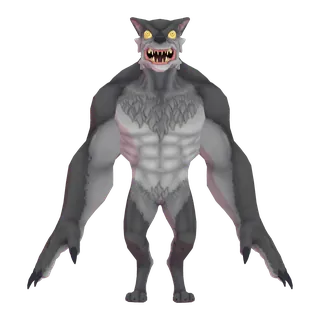
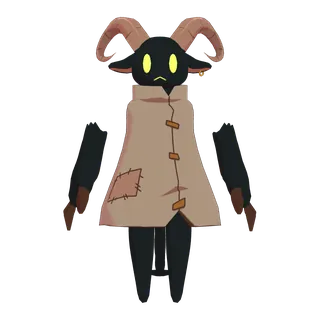
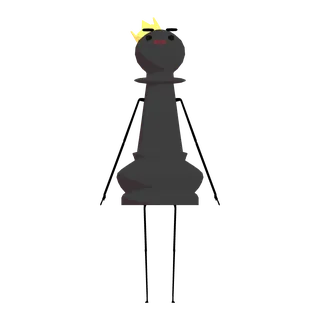
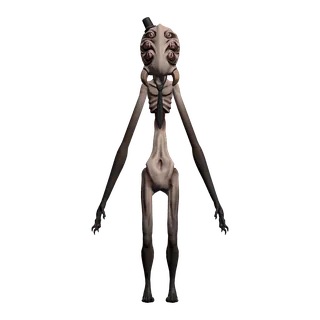
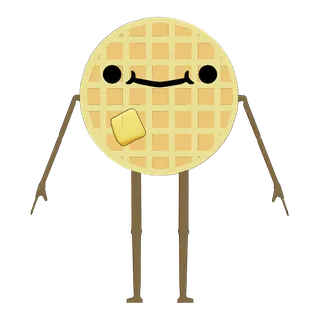
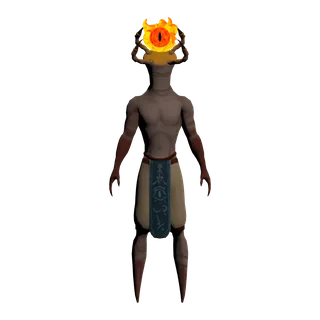
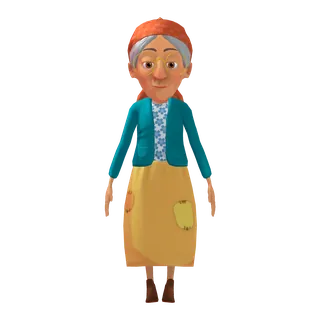
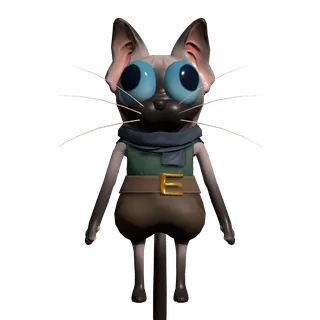

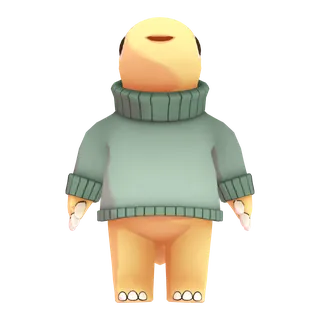
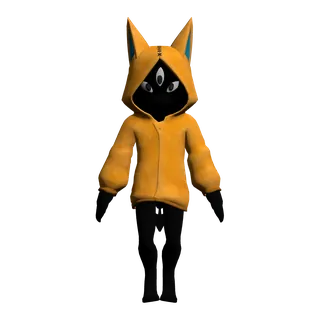
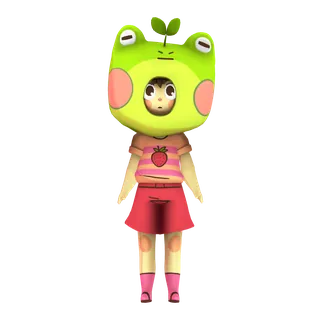
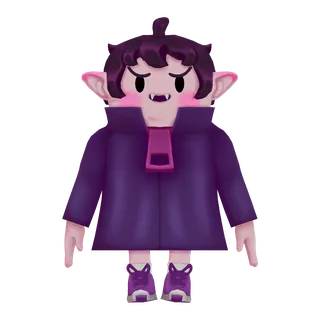
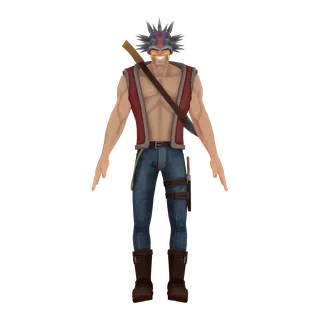
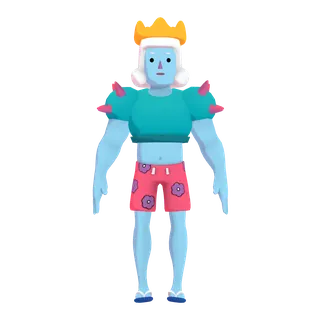
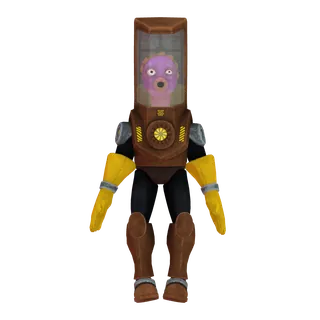

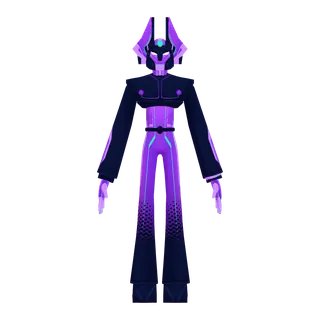
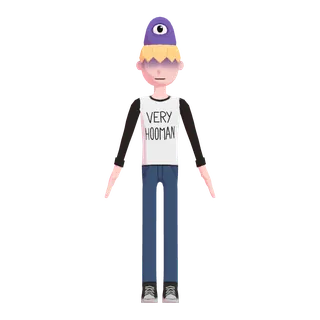
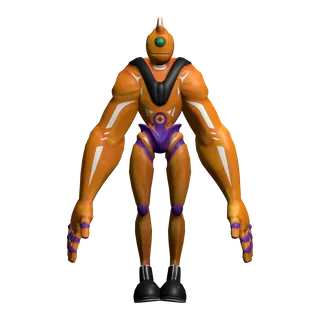


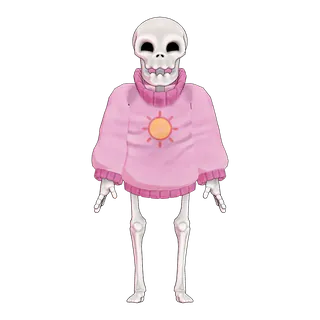
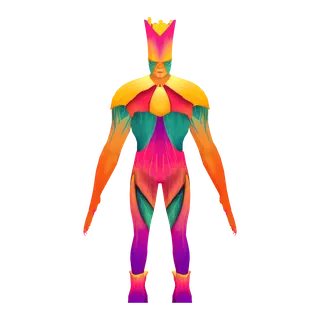
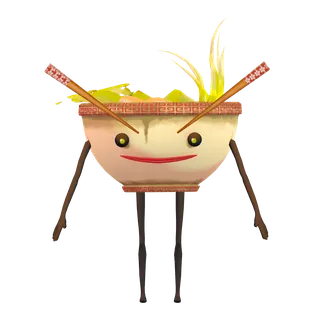
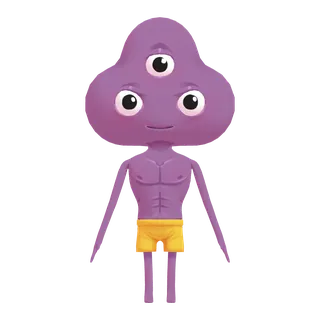
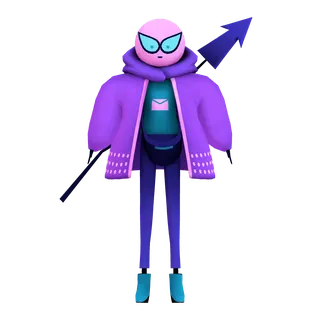
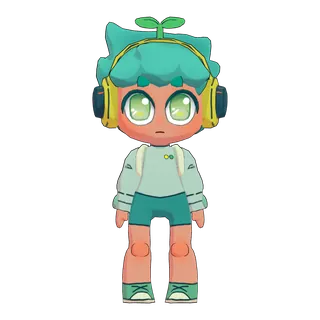
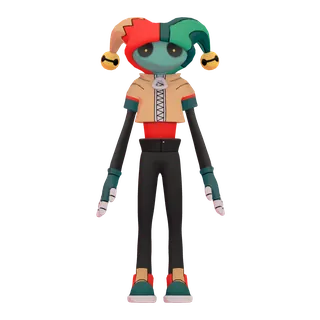
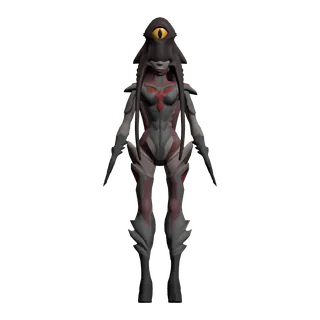
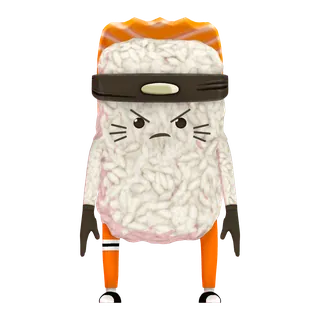
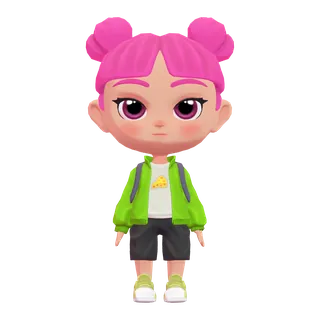
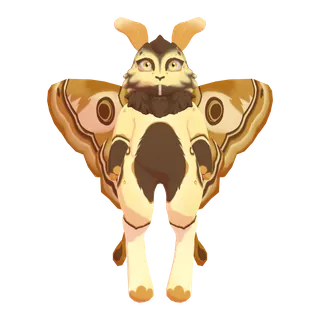
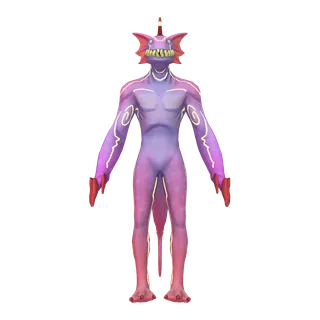
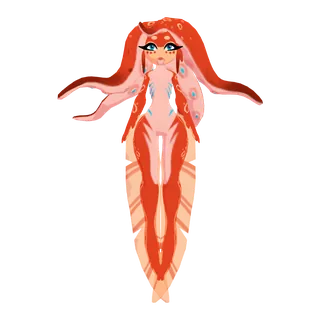
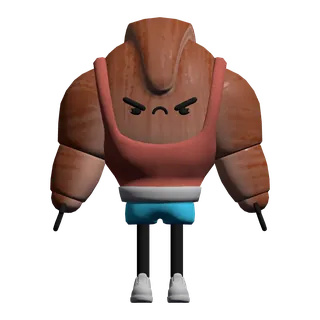
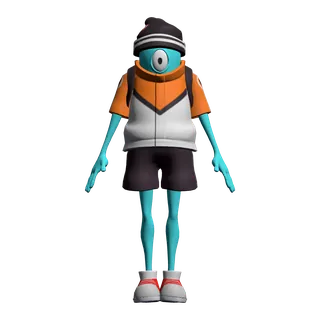
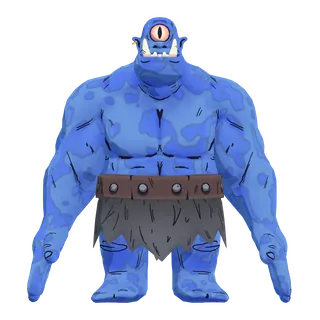
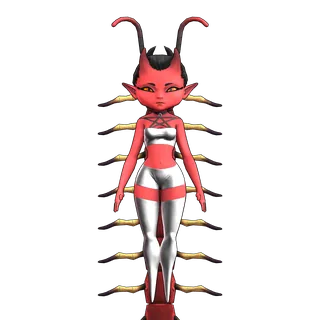
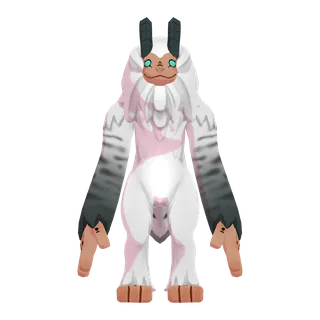

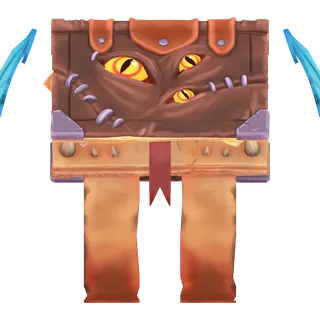
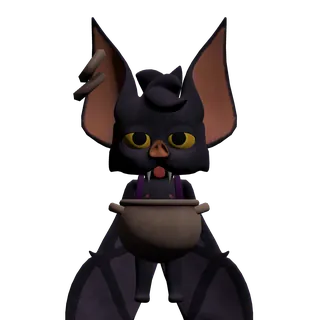
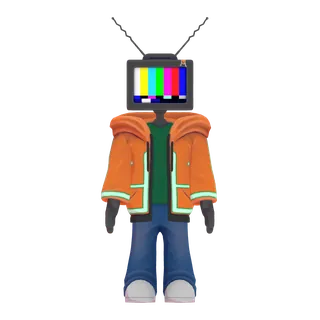
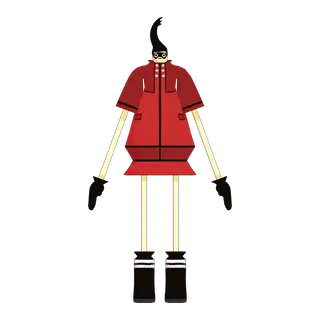
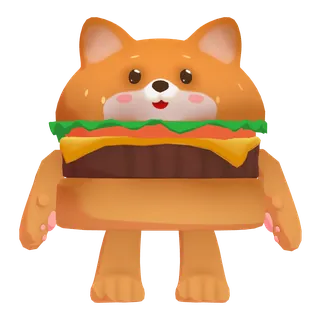
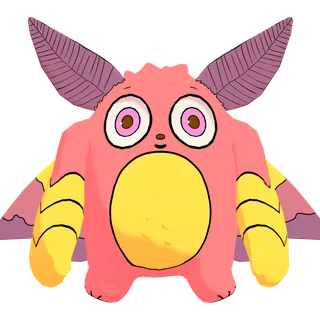
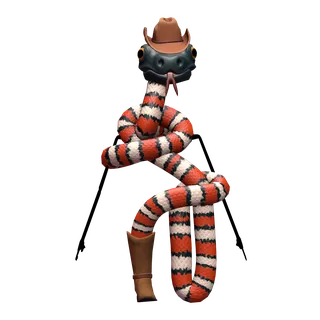
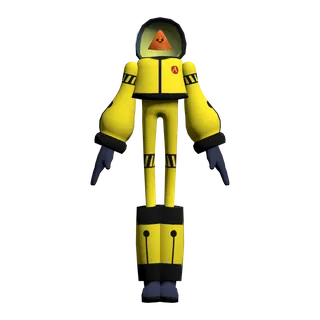
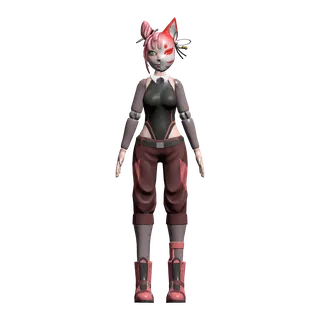
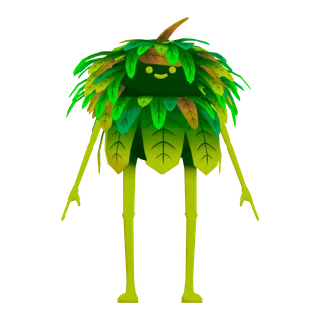
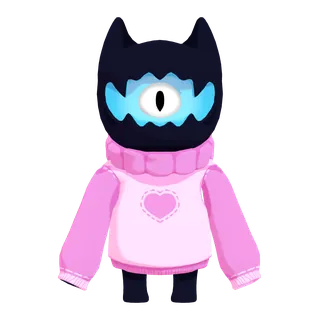
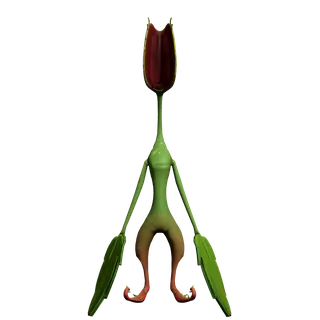
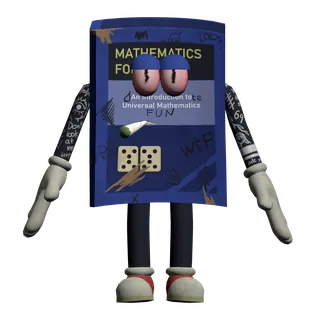
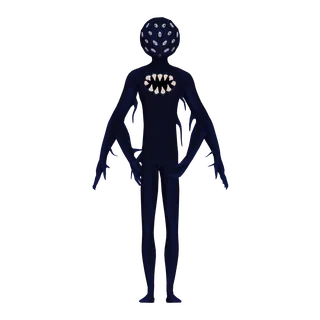
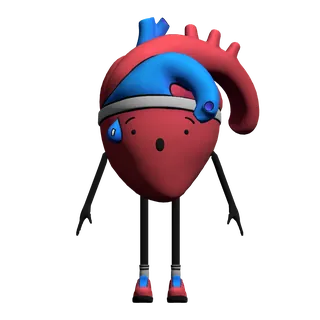

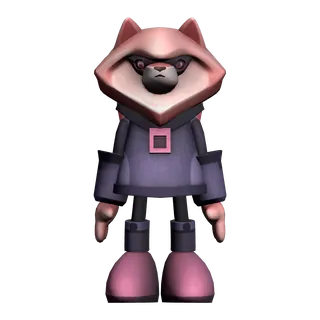
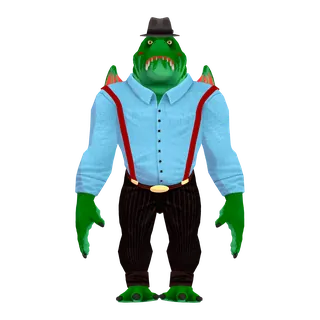
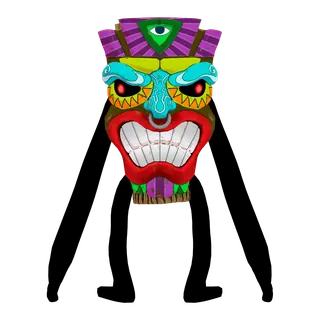
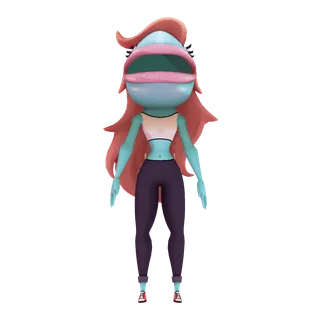
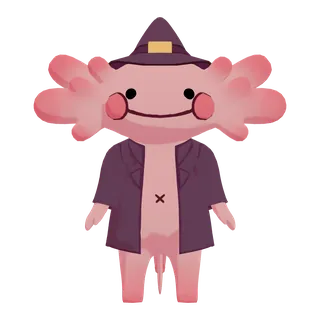
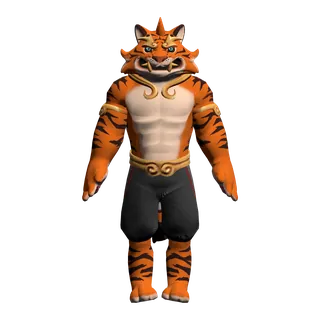
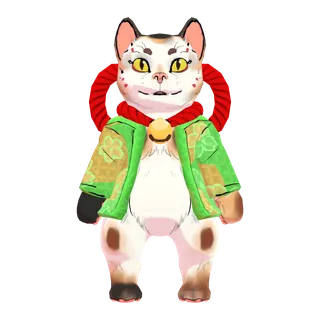
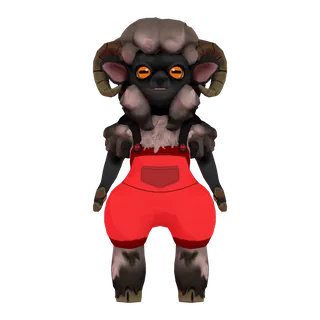
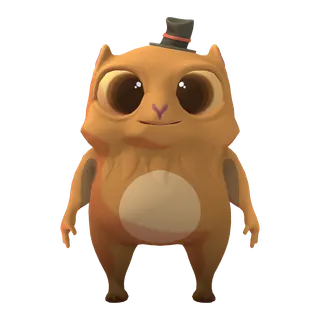
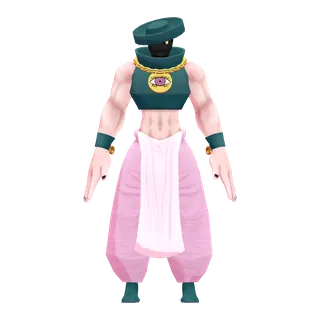
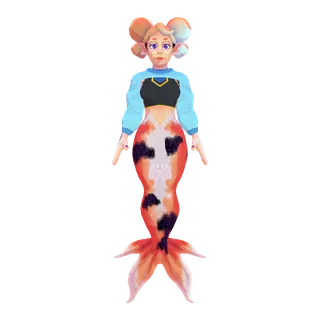
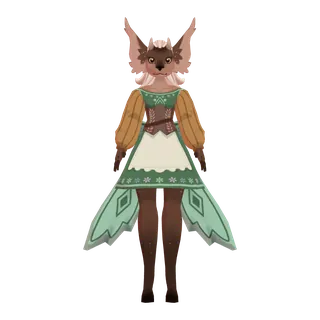


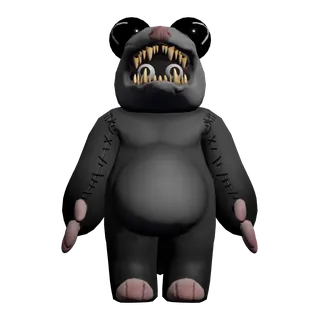
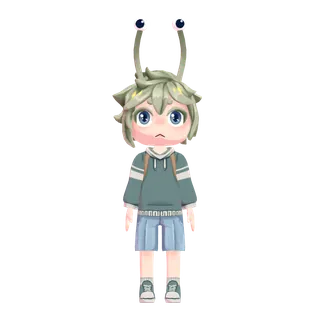
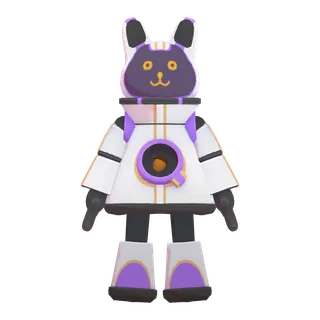
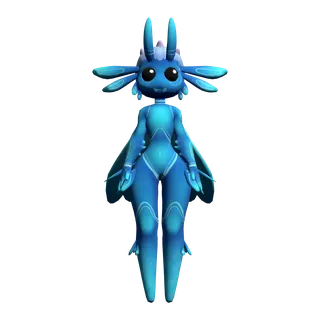
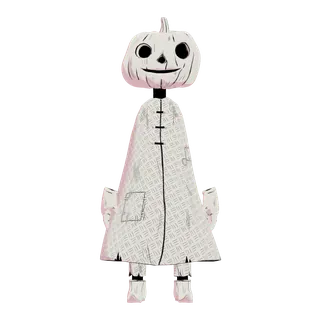
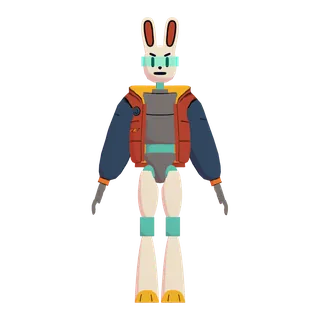

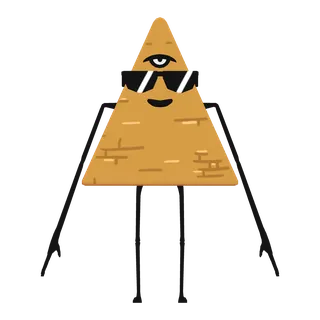
100 Avatars (Round 2) · 100 avatars
Lip sync on all 100, blink on 99; no emotion expressions.
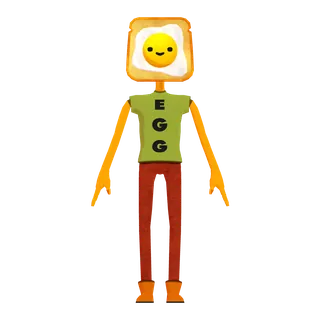
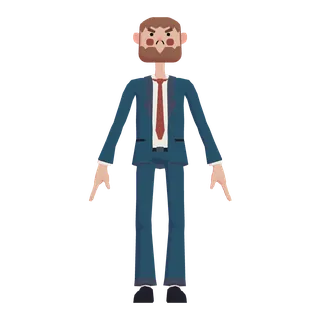
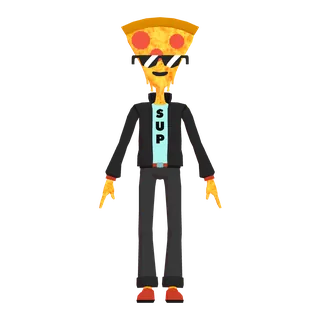
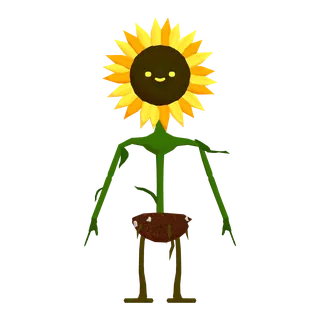
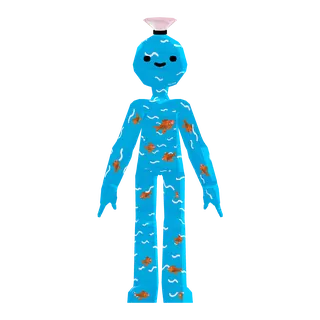
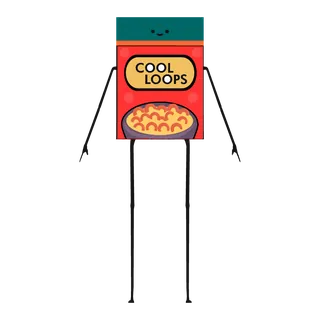
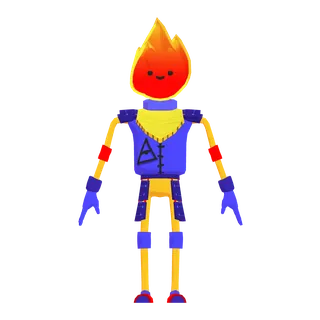
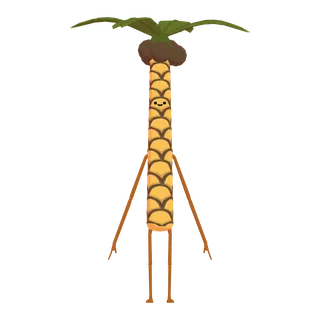
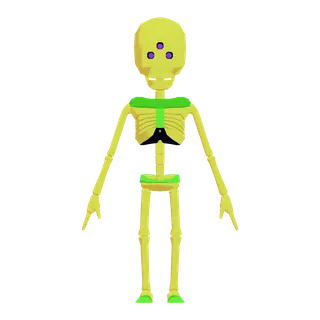
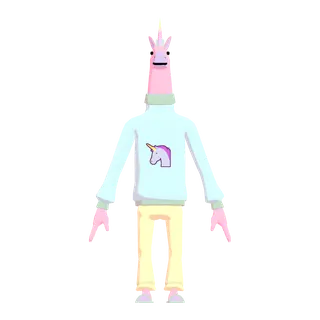
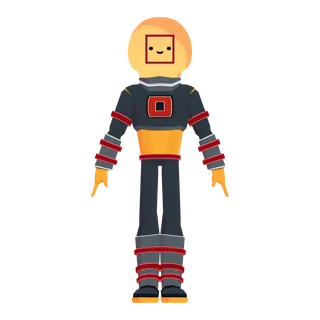
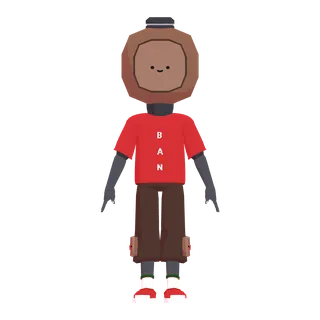
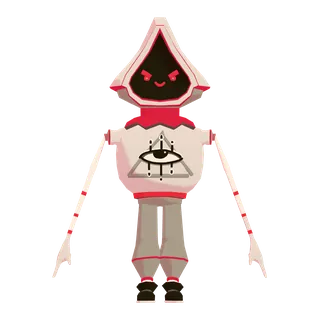
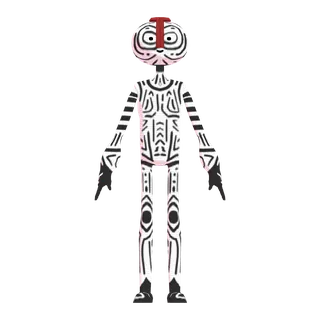
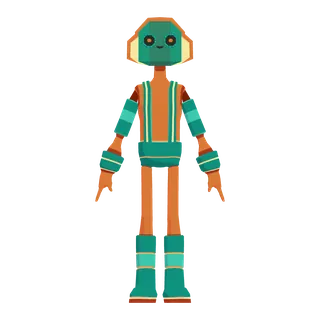
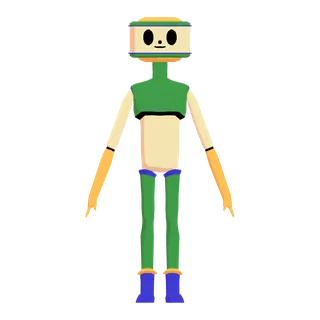
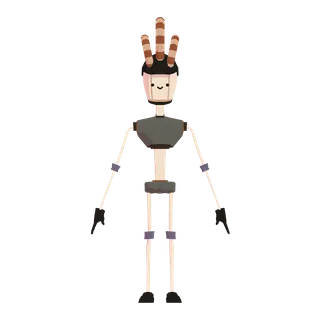

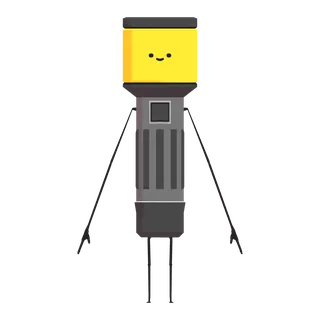
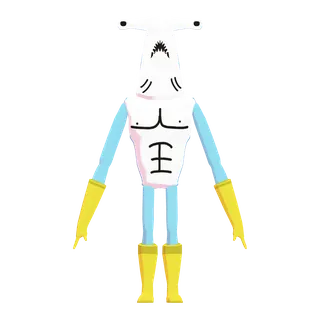
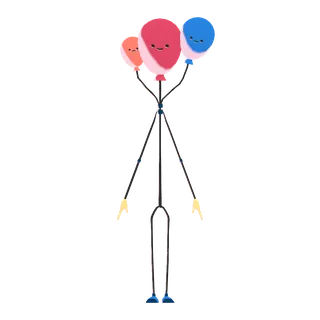
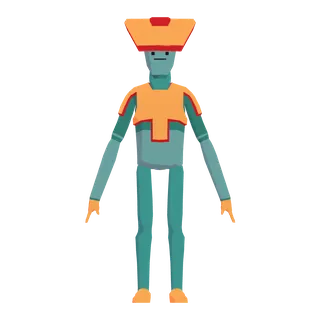
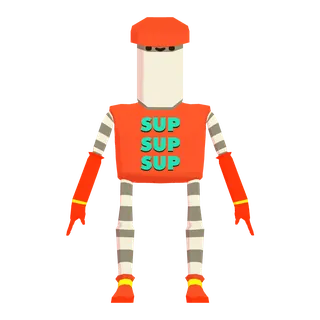
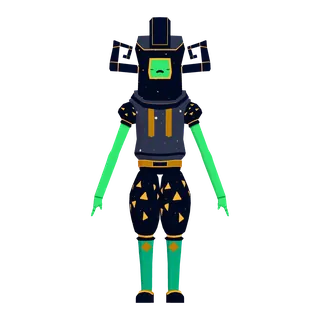
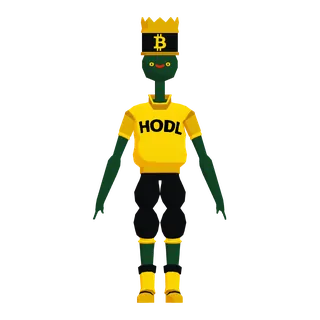
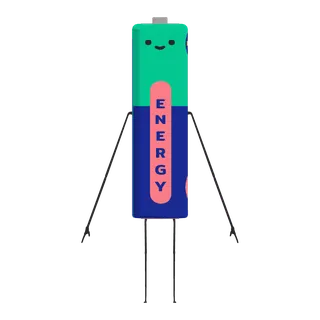

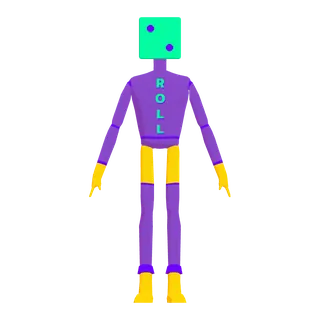

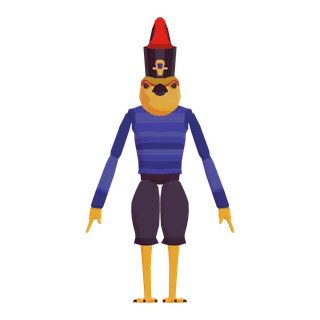
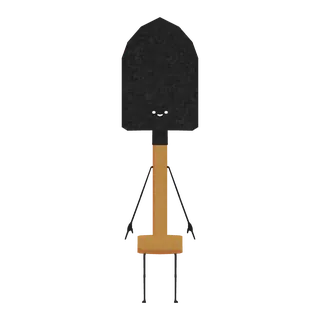
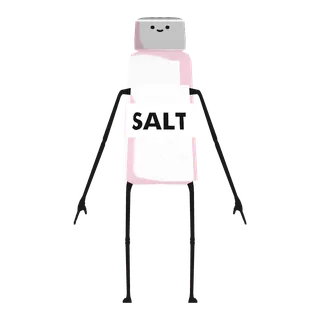

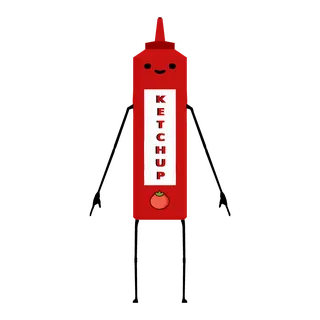
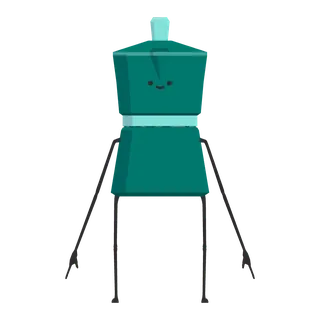
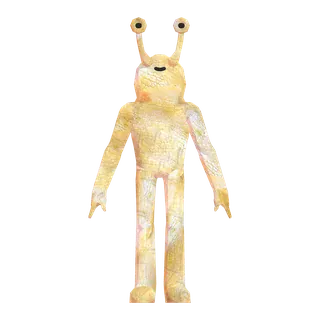
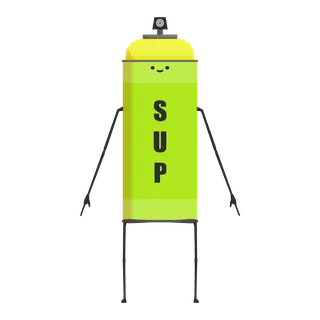
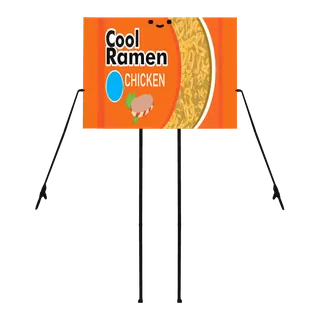
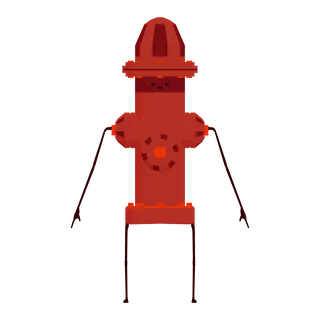
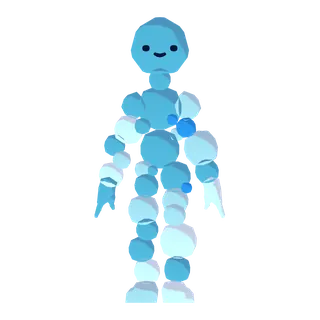

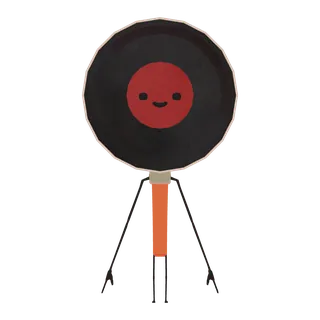
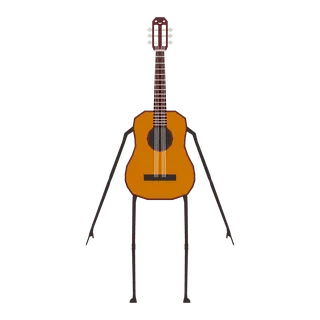
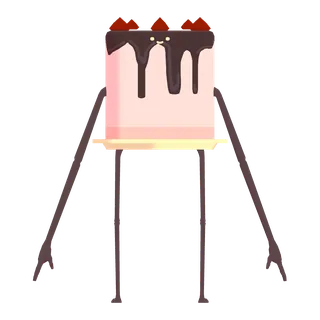
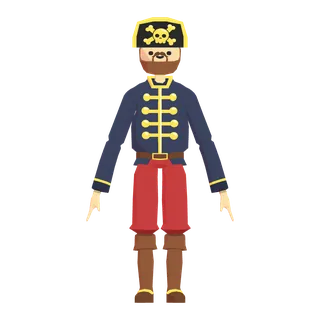
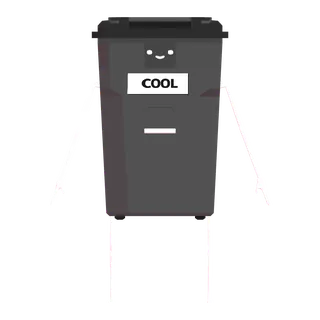
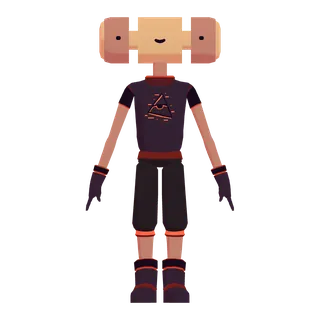
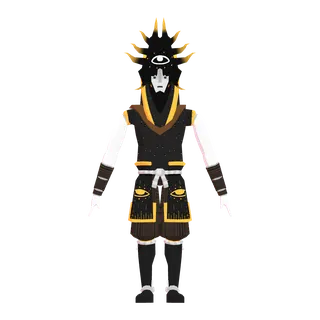
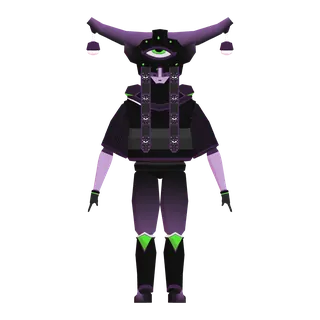
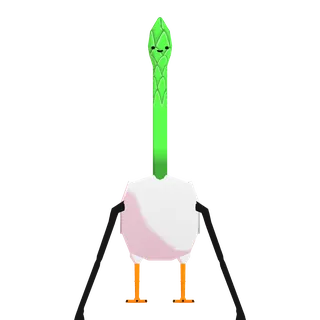
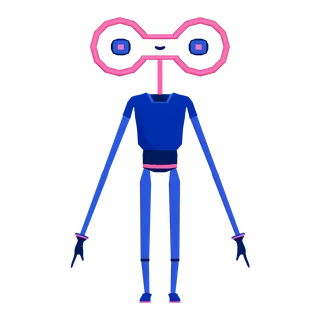
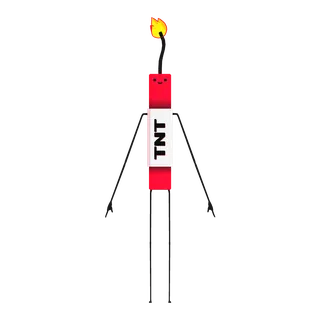
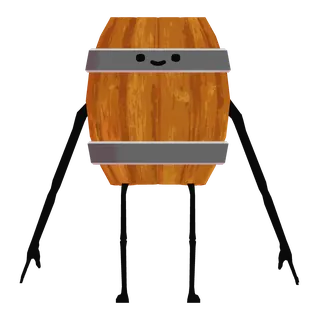
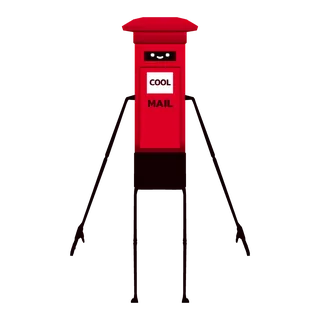
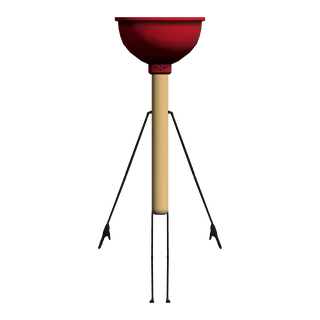
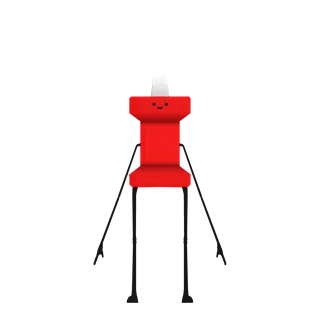

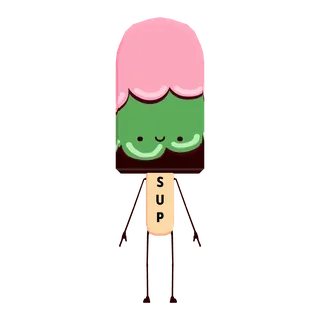
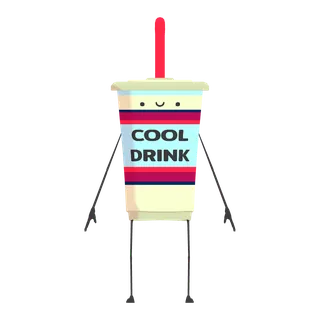
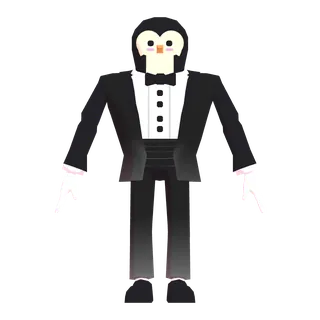
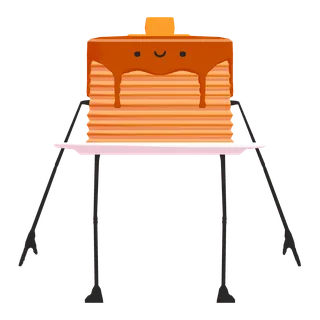

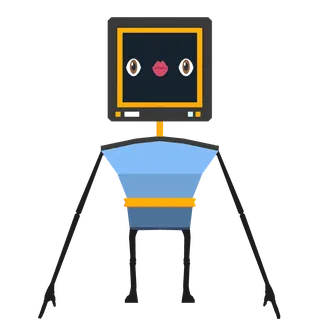
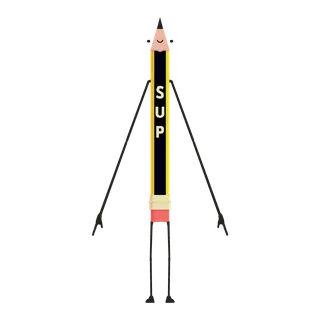
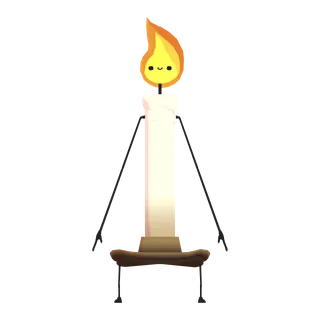
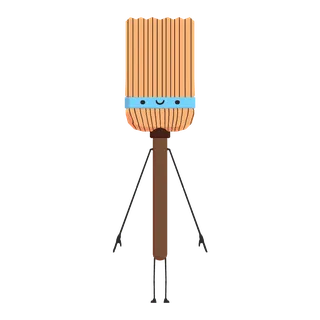

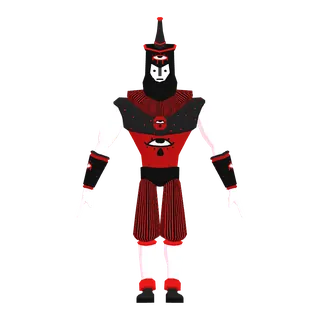
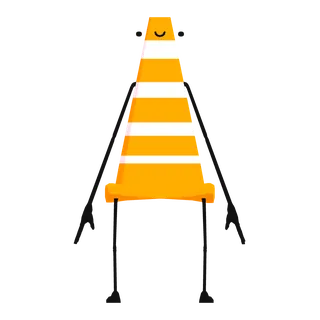
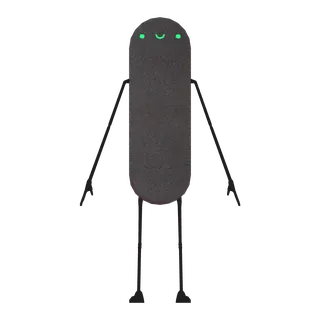
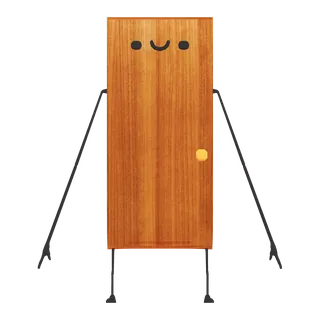
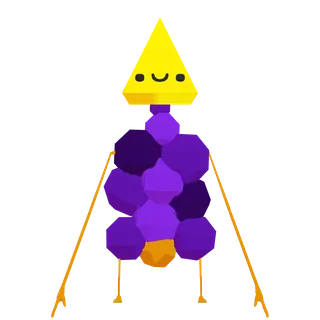
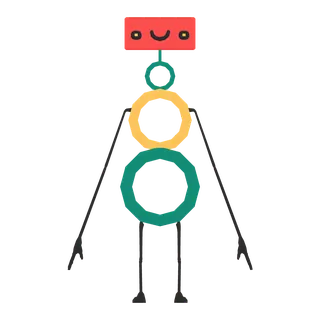
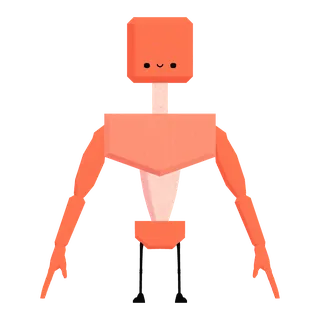
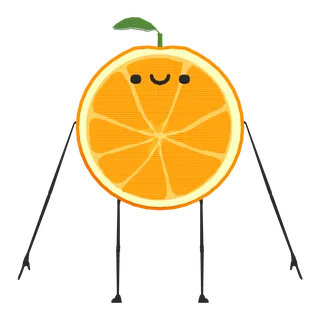
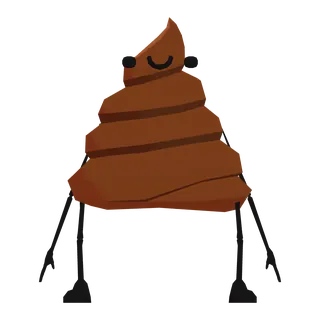
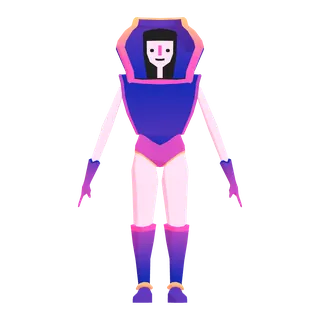
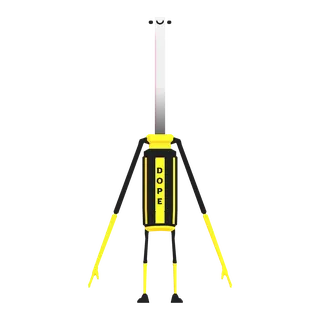
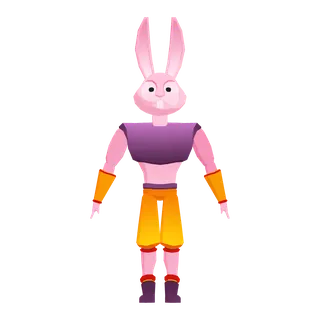
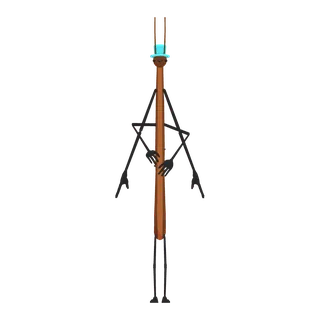
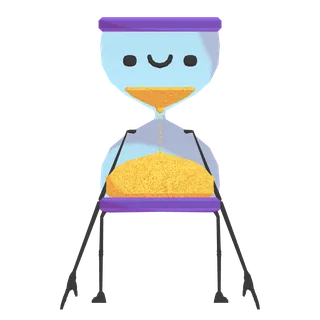
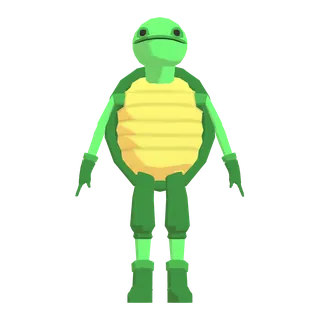


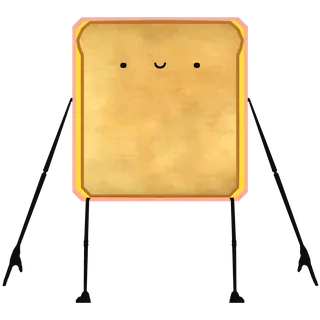
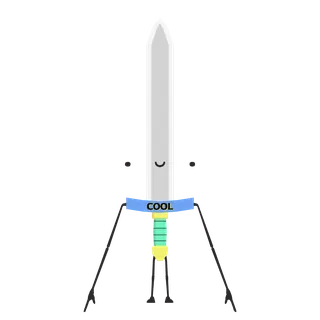
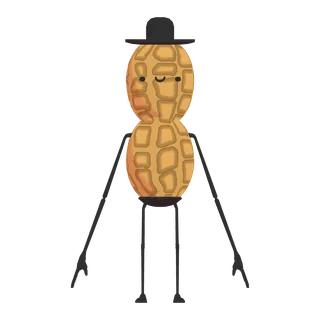
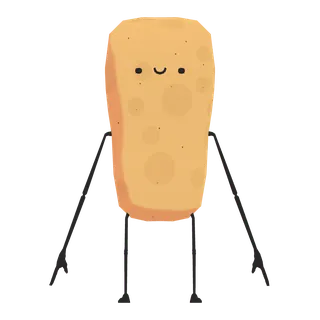
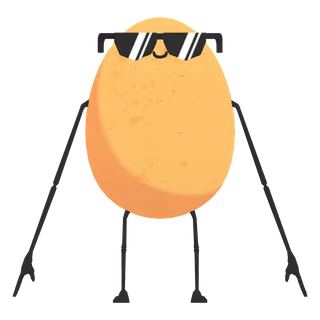
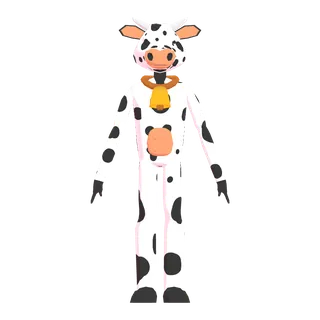

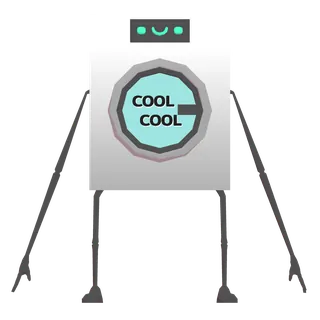
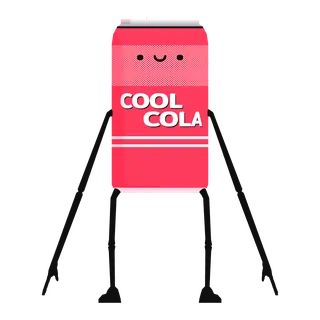

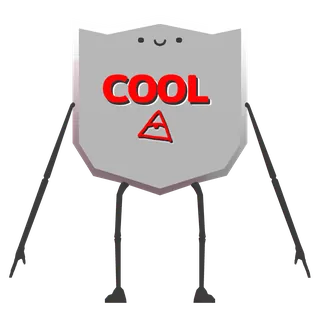
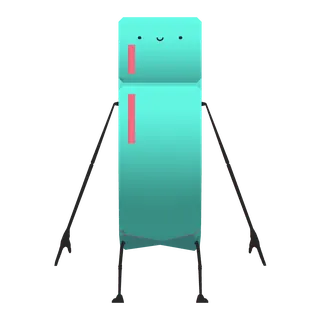
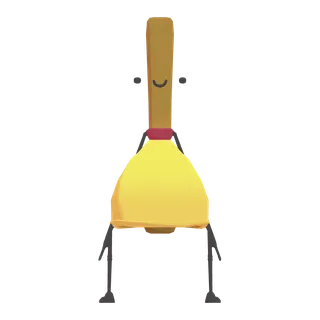
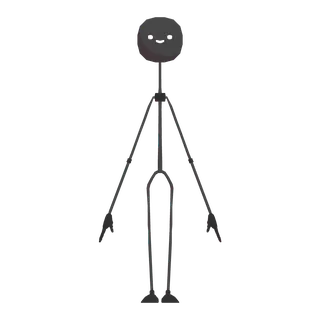
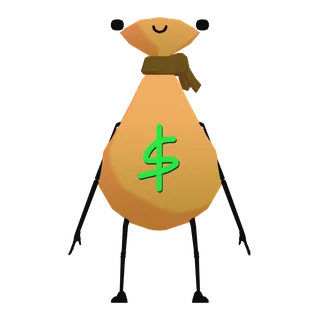
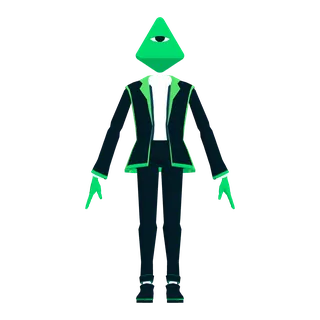
100 Avatars (Round 1) · 100 avatars
No facial expressions on 99 of 100: the head and body move, the face stays as drawn.
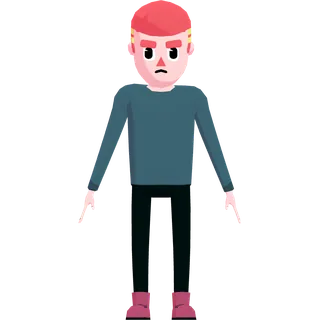
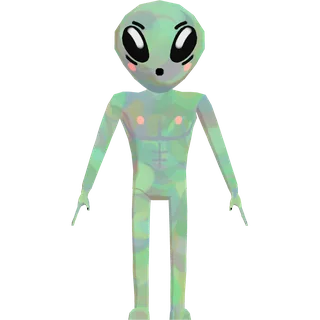
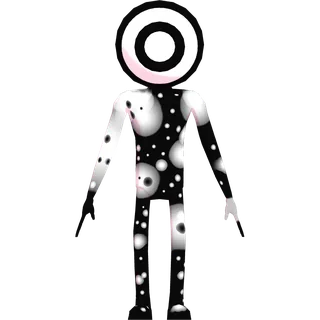
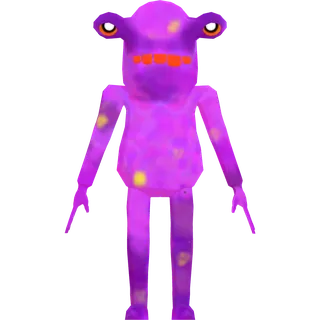
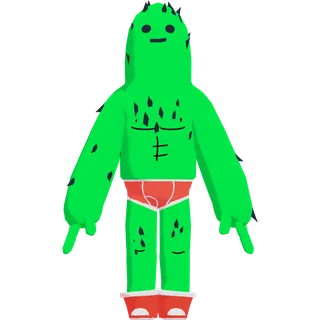
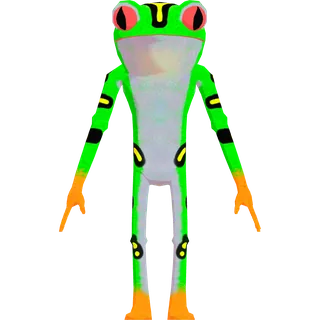
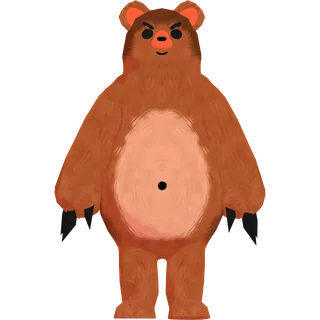
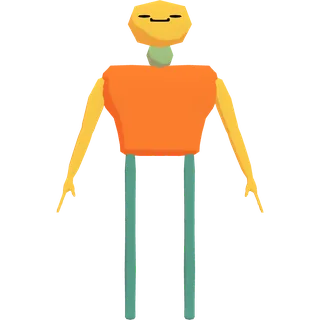
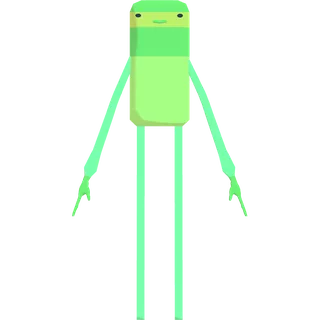
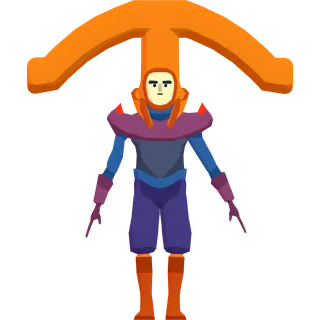
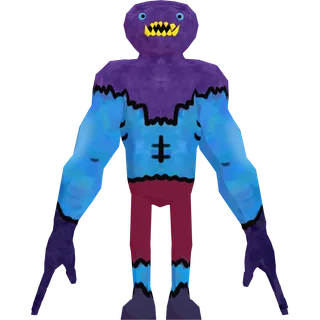
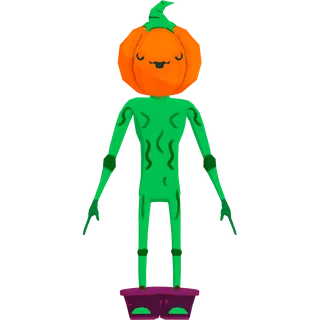
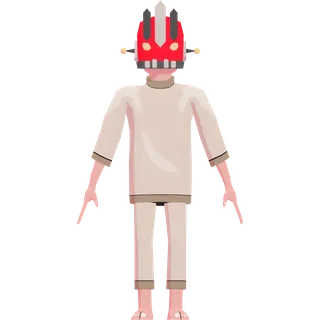
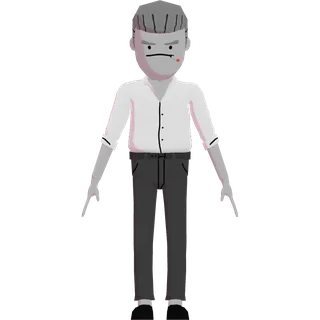
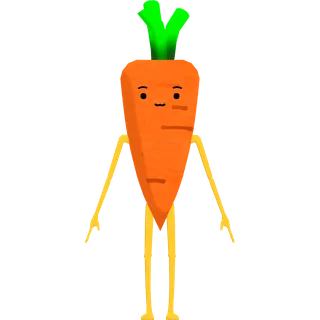
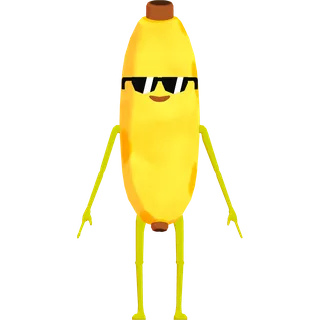

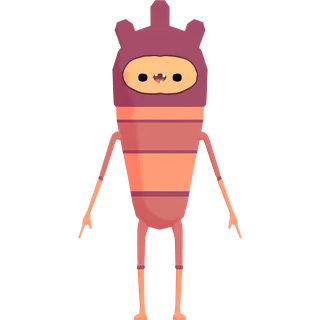
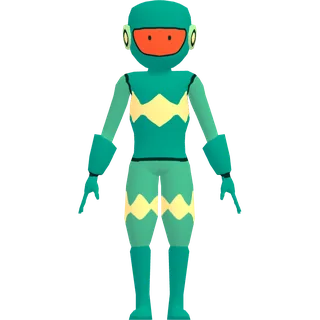
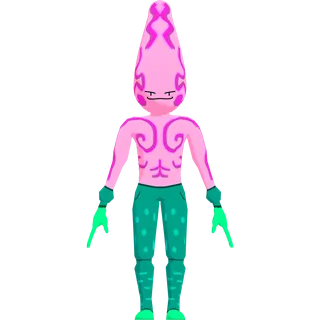
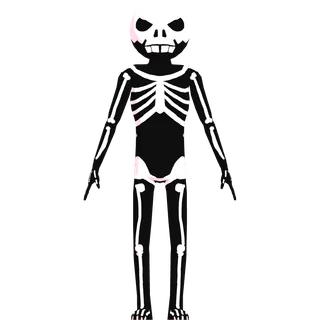
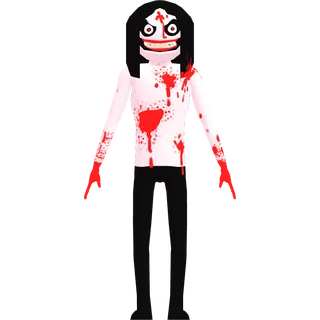
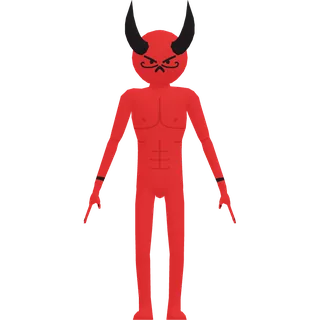
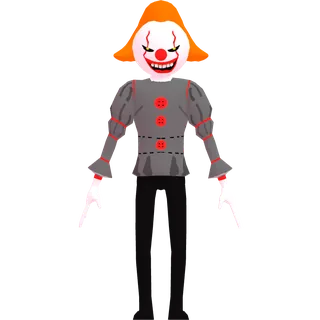
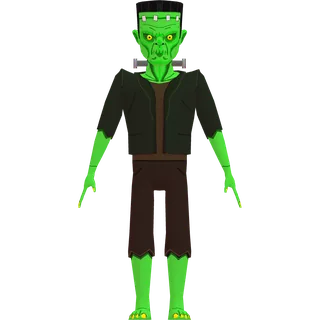
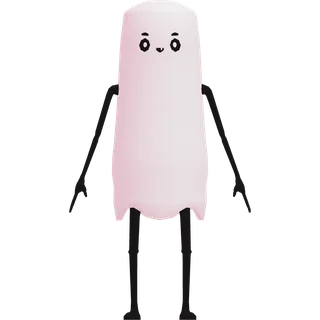
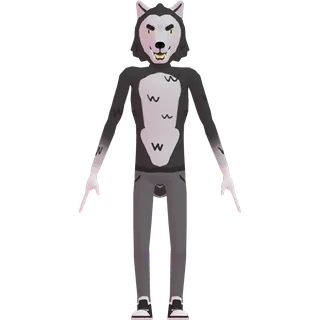
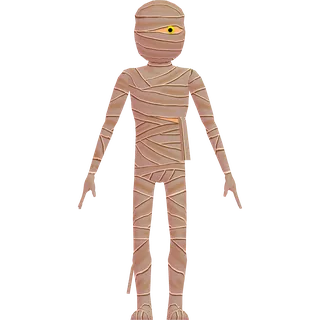
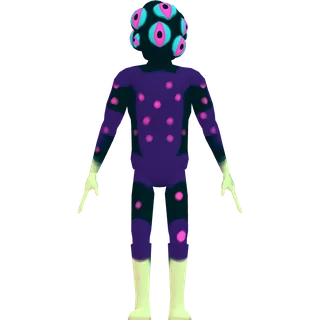
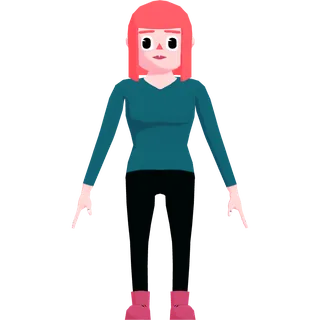
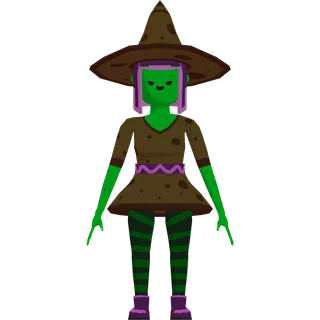
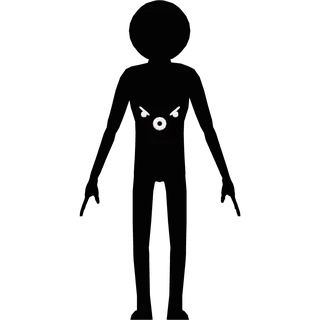
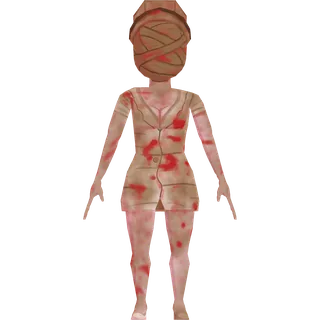
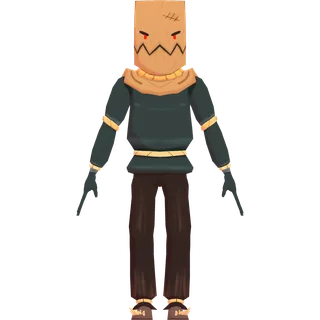
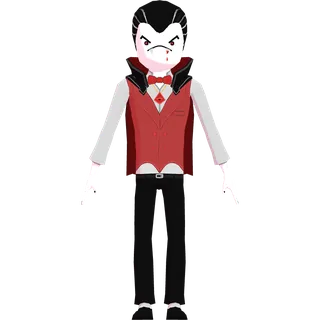
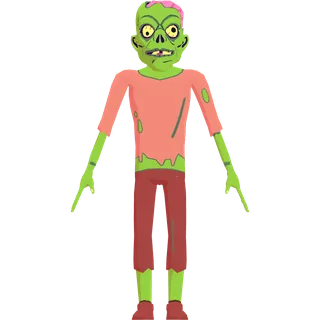
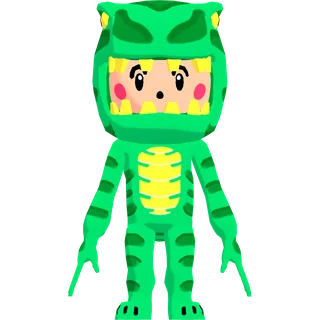

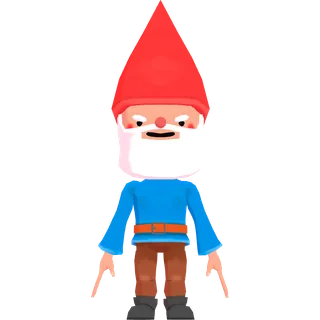
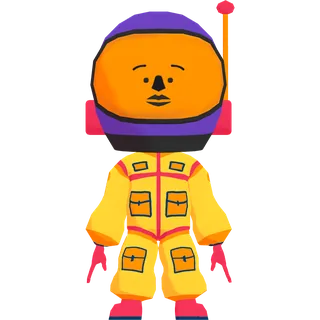
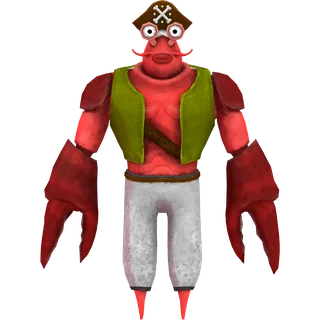
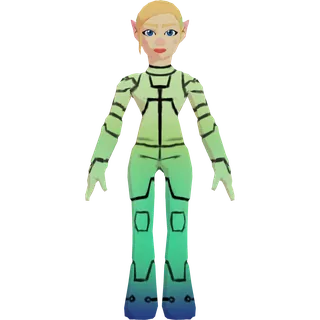
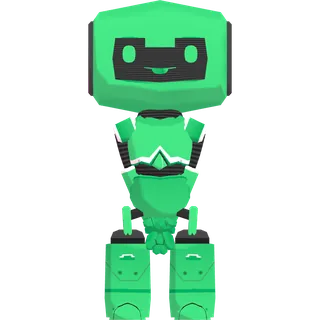
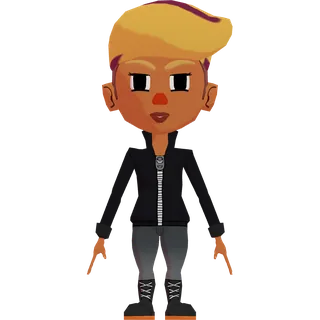
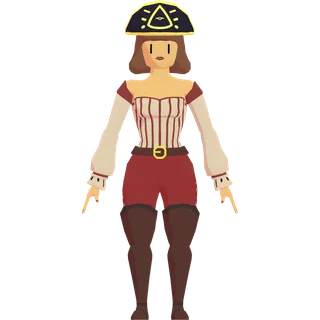
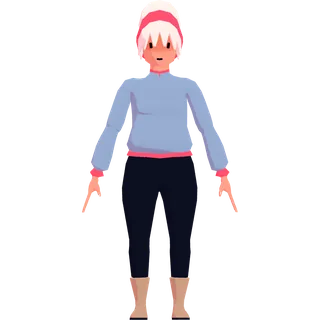
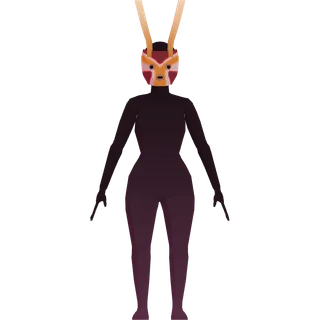
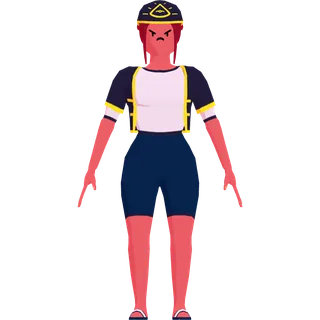
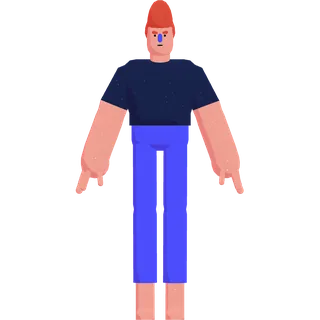
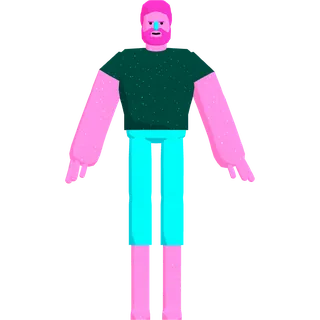
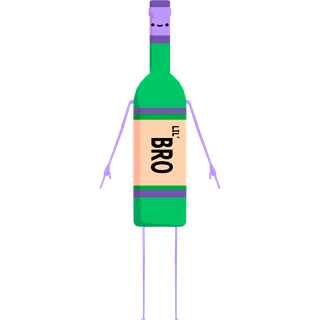
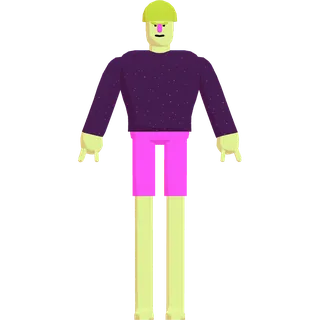

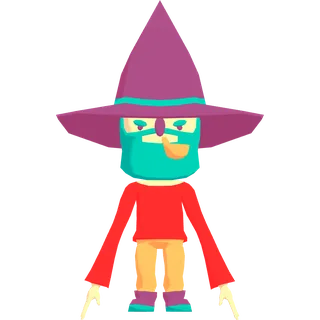
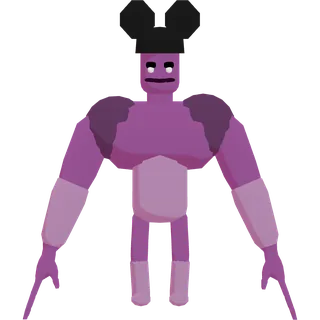

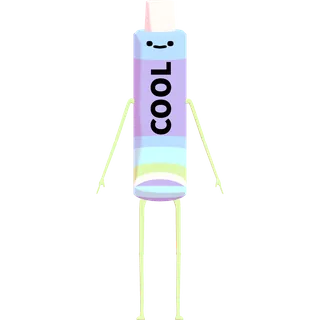

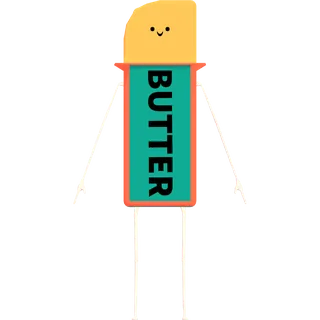

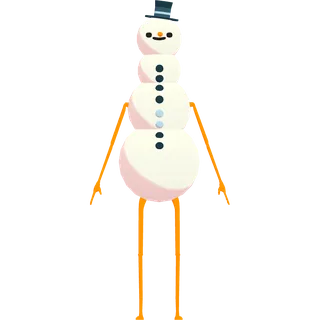

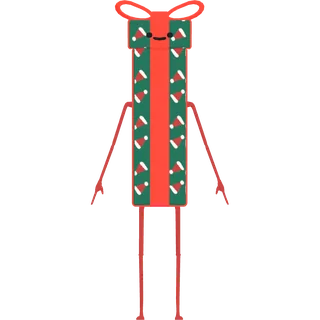

Ready for VSeeFace, Warudo, VNyan and 3tene
Every avatar on this page is a standard VRM 0.x file, which all four of these apps read. Download it and load it as-is: no conversion, no Unity, no Blender step.
VSeeFace
VSeeFace setup guide →Click “Open VRM” and pick the downloaded .vrm. VSeeFace reads VRM 0.x only — which is what these files are.
Warudo
Warudo setup guide →Add a Character asset and point it at the .vrm. Warudo reads VRM natively, no import step in between.
VNyan
VNyan setup guide →Open the avatar loader and select the .vrm. If the scene looks empty, the model loaded below the camera — drag up to re-center it.
3tene
3tene setup guide →Open the avatar menu and import the .vrm, then enable webcam tracking — face and lip-sync on models that have expressions.
How to use a free VRM avatar
- 1
Download the .vrm file
Pick an avatar above and grab the VRM (use the GLB only for general 3D tools like Blender or Unity).
- 2
Open a VTuber app
VSeeFace, Warudo, 3tene, VNyan, and VMagicMirror are all free and load VRM files directly.
- 3
Load the avatar and go live
Import the .vrm, let your webcam (or iPhone) drive the tracking, add the app as a source in OBS — done.
Want to inspect a model before you stream? Drop any .vrm into our free online VRM viewer — it shows the rig, expressions and license right in your browser. Got a rigged FBX character instead of a VRM? Our FBX to VRM converter turns it into a VTubing-ready file with the skeleton intact. Need a thumbnail or a reference shot? Load any of these models into the free VRM poser — presets, bone sliders, transparent PNG out, nothing to install.
Step-by-step per app: VSeeFace, Warudo avatars, 3tene, VNyan, VMagicMirror
Using VR? Bring an avatar into VRChat, Resonite, or ChilloutVR. Or compare VTubeMe with VRoid Studio and Ready Player Me.